Claude figured out how to control my dishwasher
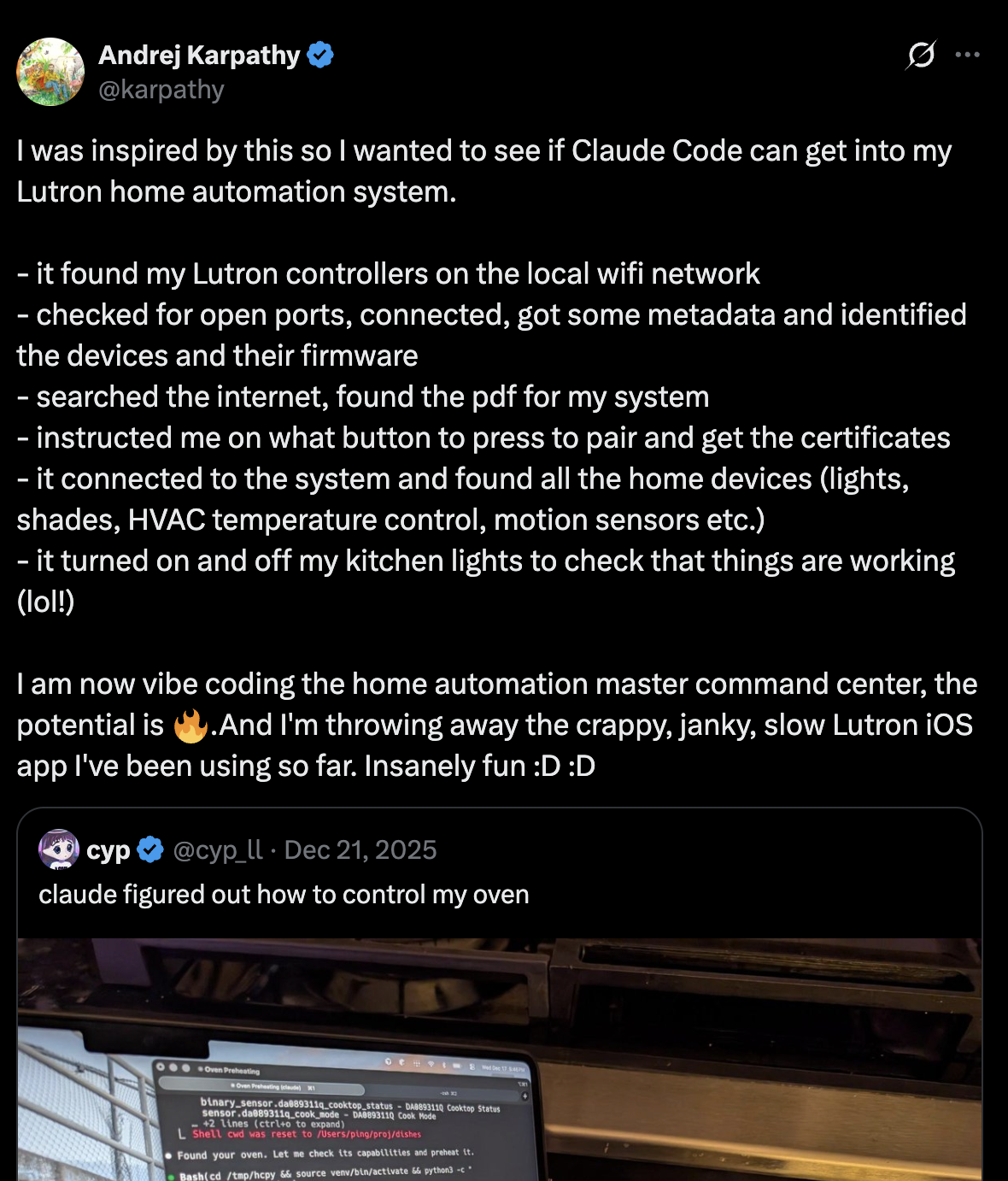
I saw Karpathy's post about using Claude for home automation command center and wanted to try the same idea.
My target was my new Bosch Series 4 dishwasher that uses Home Connect. The result: hc-dishwasher-tui.
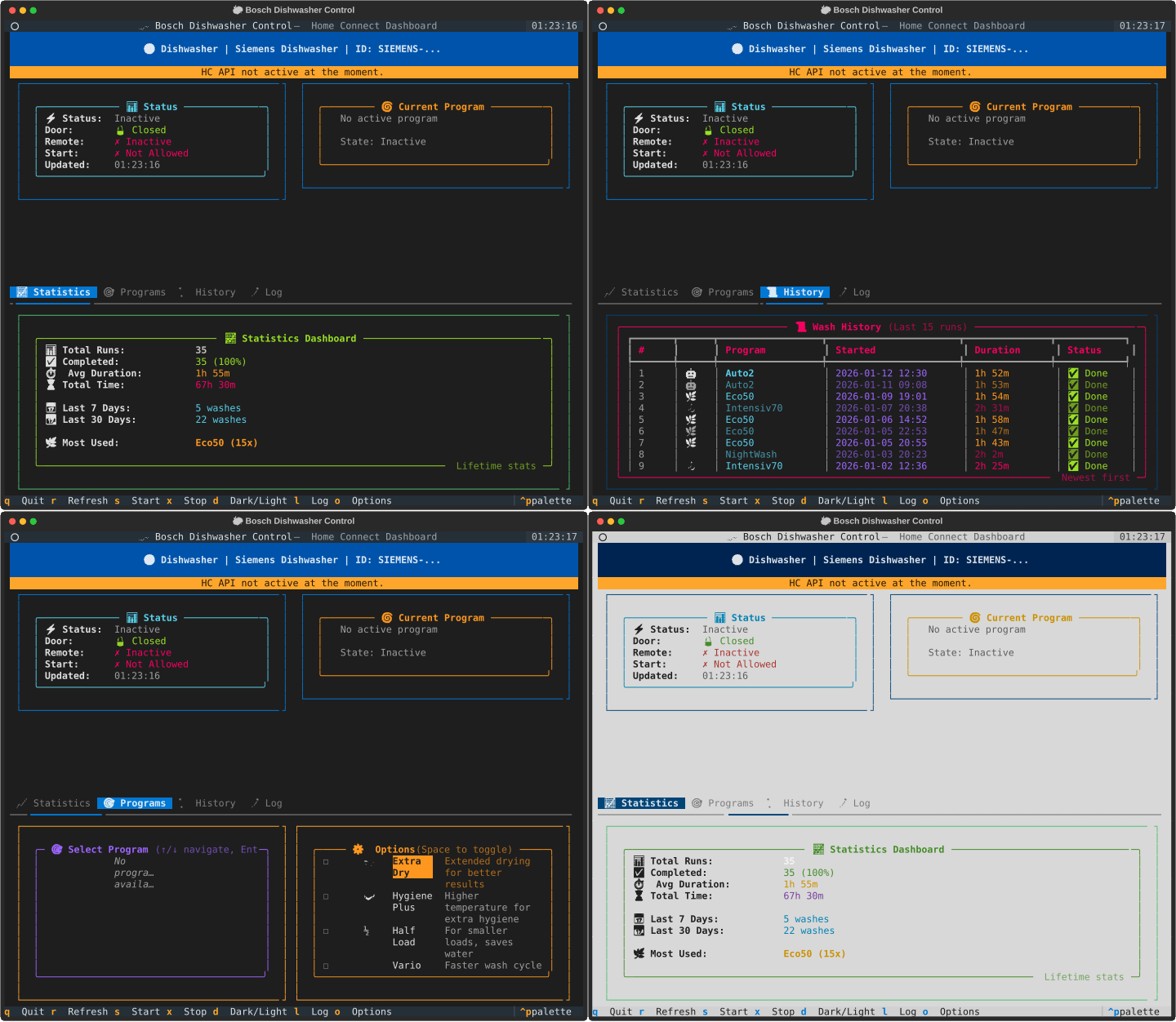
Why a Terminal UI
I like keyboard-first TUIs, and I already knew toad uses Textual + Rich for their slick terminal UI. So I told Claude to use Textual, and it didn't disappoint. See other screenshots.
Ralph Wiggum-ing it
This was also a trial run for the /ralph-loop claude plugin inside a sandboxed VM. I let Claude take the wheel and iterate end-to-end, but it needed two passes:
- Pass 1: Claude realized it needed Home Connect API keys, explained how to get them, and told me exactly how to provide them safely.
- Pass 2: With keys in place, it built everything and wired up the API calls.
Polishing
I had to do a few chores still with Claude after the functional TUI was created:
- Clearer Readme/install instructions.
- Added screenshots.
- A script to generate sample data.
- Added rate limiting for Home Connect API.
- A more detailed Logs widget.
Now I can control, check status, and start/stop the dishwasher without opening a phone app.
Also hc-dishwasher-tui is fully reusable, I reviewed most of the code out of curiosity, ran security checks and I tested it on another dishwasher too.